Outliner
Every object sits in a tree. Rename with F2, hide and lock from the row, drag to group or reorder, and filter by name. Shift selects a range and Ctrl adds one more.
F2 rename
Open the outliner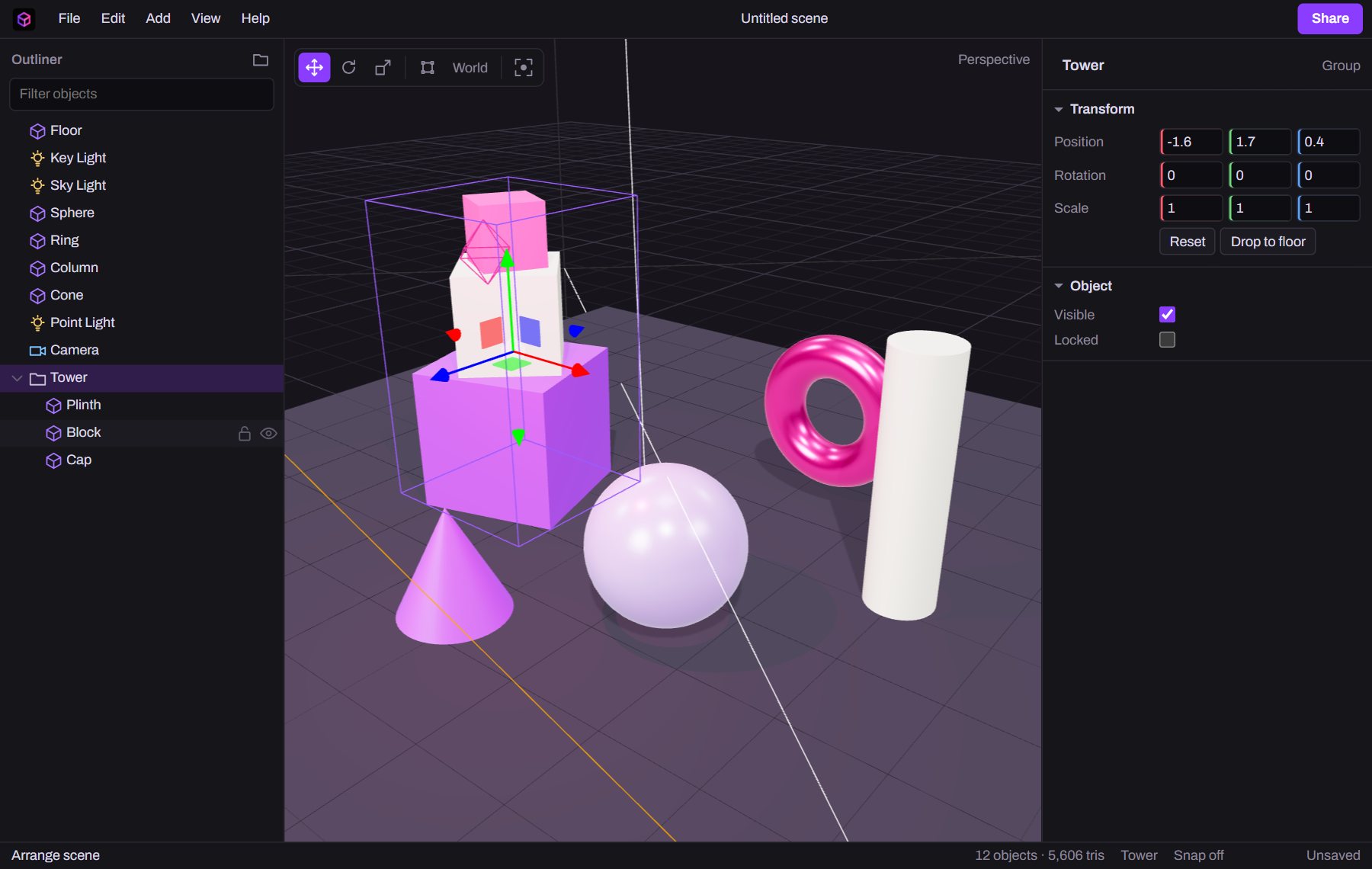
 Diorama
Build a scene, light it and take it into a real project as GLB, JSON or an embed. It works like a desktop app, with no account and nothing to install.
This live scene uses the same three.js format the editor saves, so anything here can be built, exported and embedded.
An outliner, gizmos, an inspector and real shortcuts, all running on three.js in a single tab. Your work autosaves on your own machine.
Every object sits in a tree. Rename with F2, hide and lock from the row, drag to group or reorder, and filter by name. Shift selects a range and Ctrl adds one more.
F2 rename
Open the outlinerMove, rotate and scale in the viewport, in world or local space. Several selected objects move together around their shared centre. Snapping works in quarter units and fifteen degrees.
WER move, rotate, scale
Try the gizmos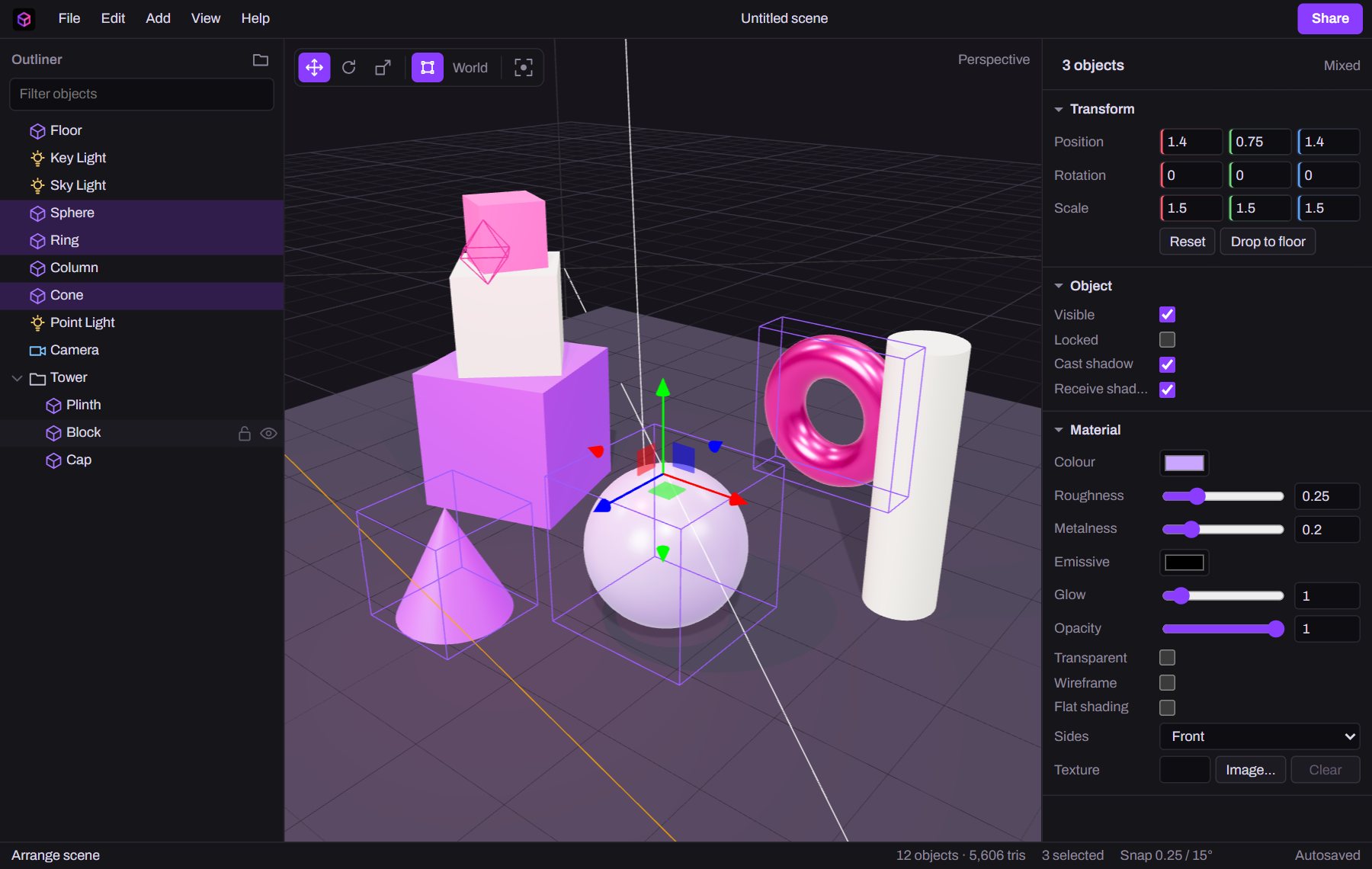
Colour, roughness, metalness, glow and opacity on a physically based material. Drop an image on a mesh's texture slot and it travels with the scene when you save, share or export.
Drag scrub any number
Edit a material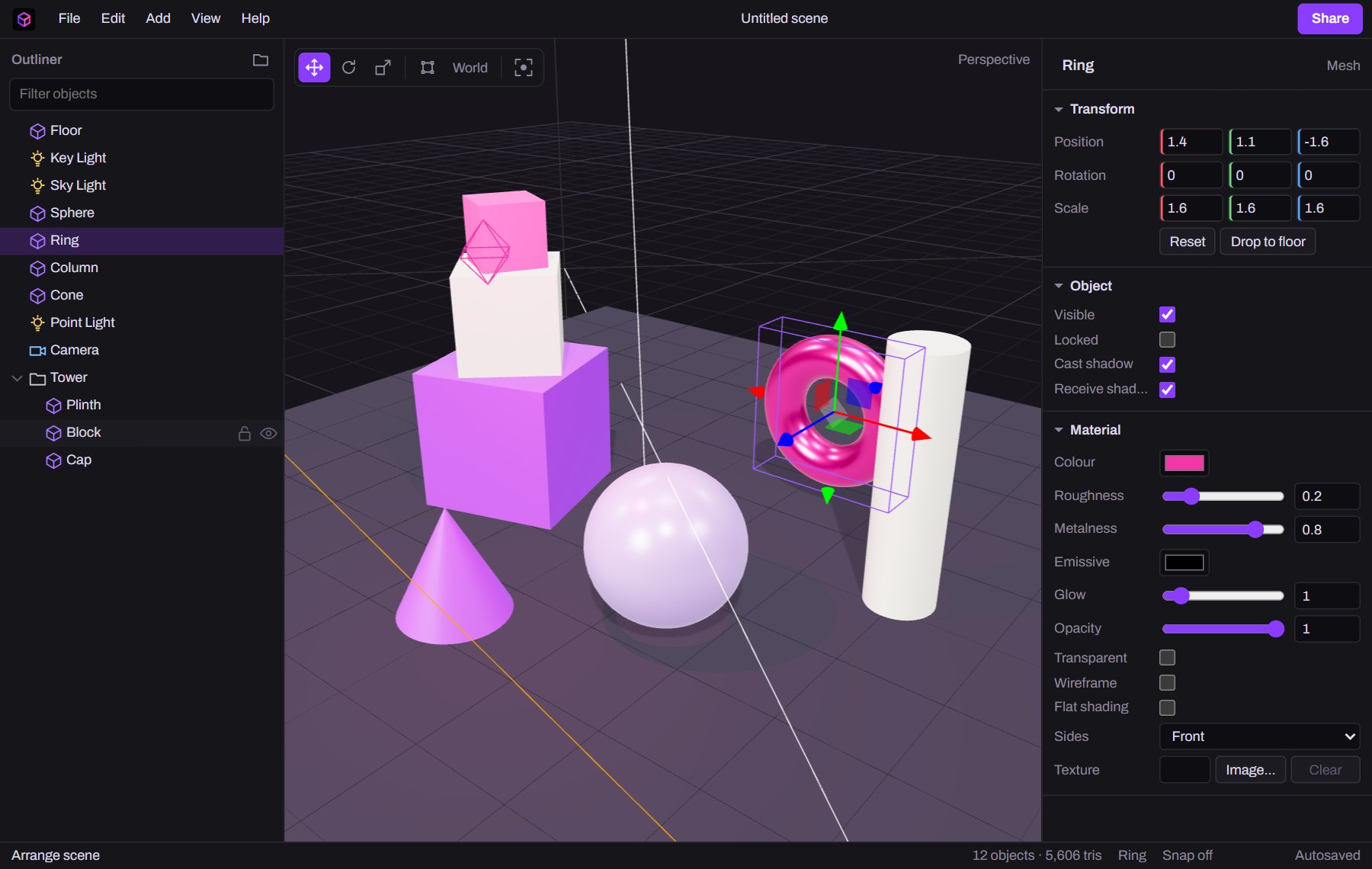
Directional, point, spot, ambient and sky lights cast soft shadows. Add a studio environment, exposure, fog and a background colour, and use cameras you can look through and match to your view.
F frame the selection
Light a scene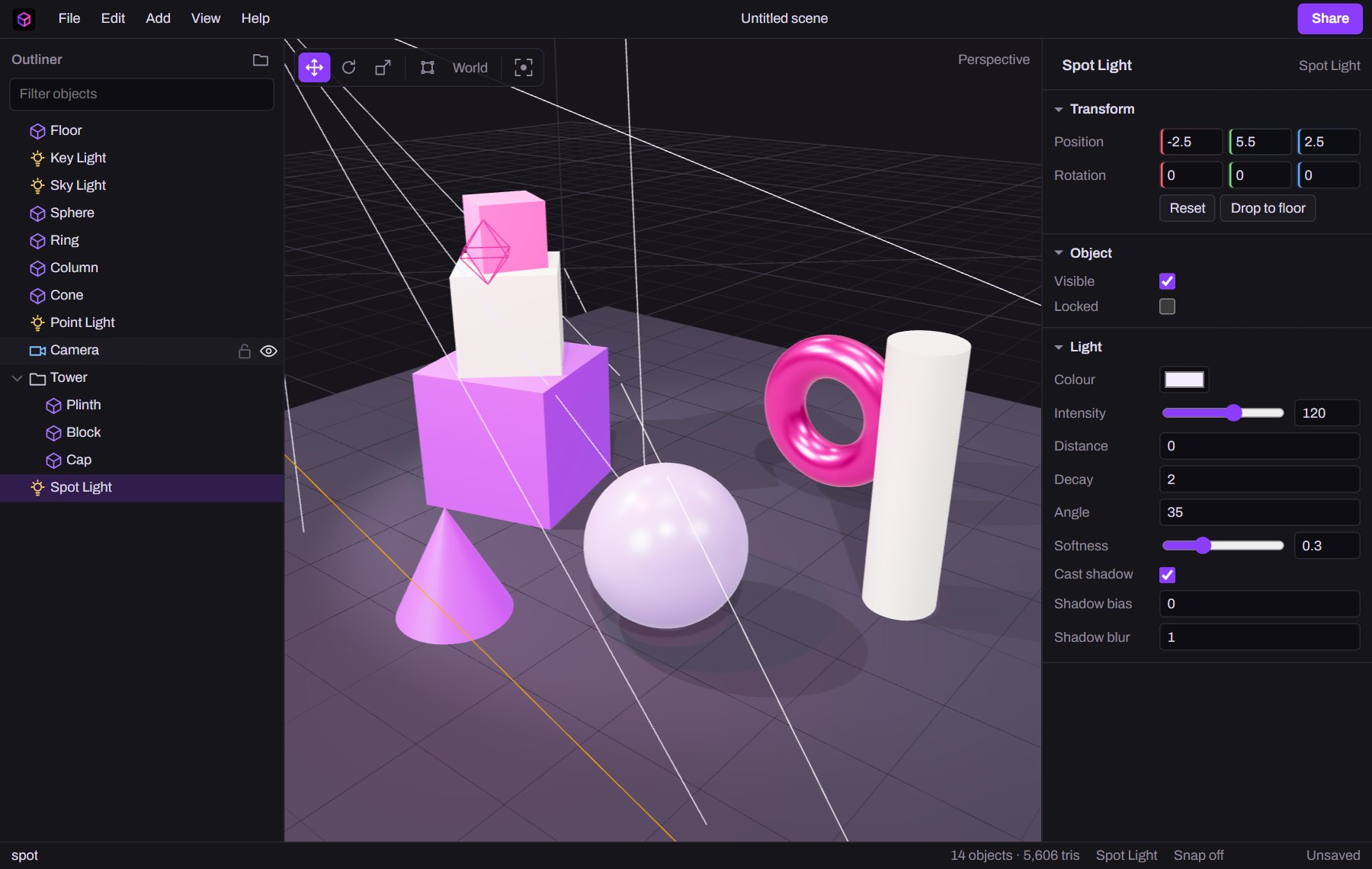
Undo goes back three hundred steps, across moves, edits, groups and deletes. Copy, paste and duplicate work too. If you close the tab, your scene is still there when you come back.
CtrlZ undo
Start a scene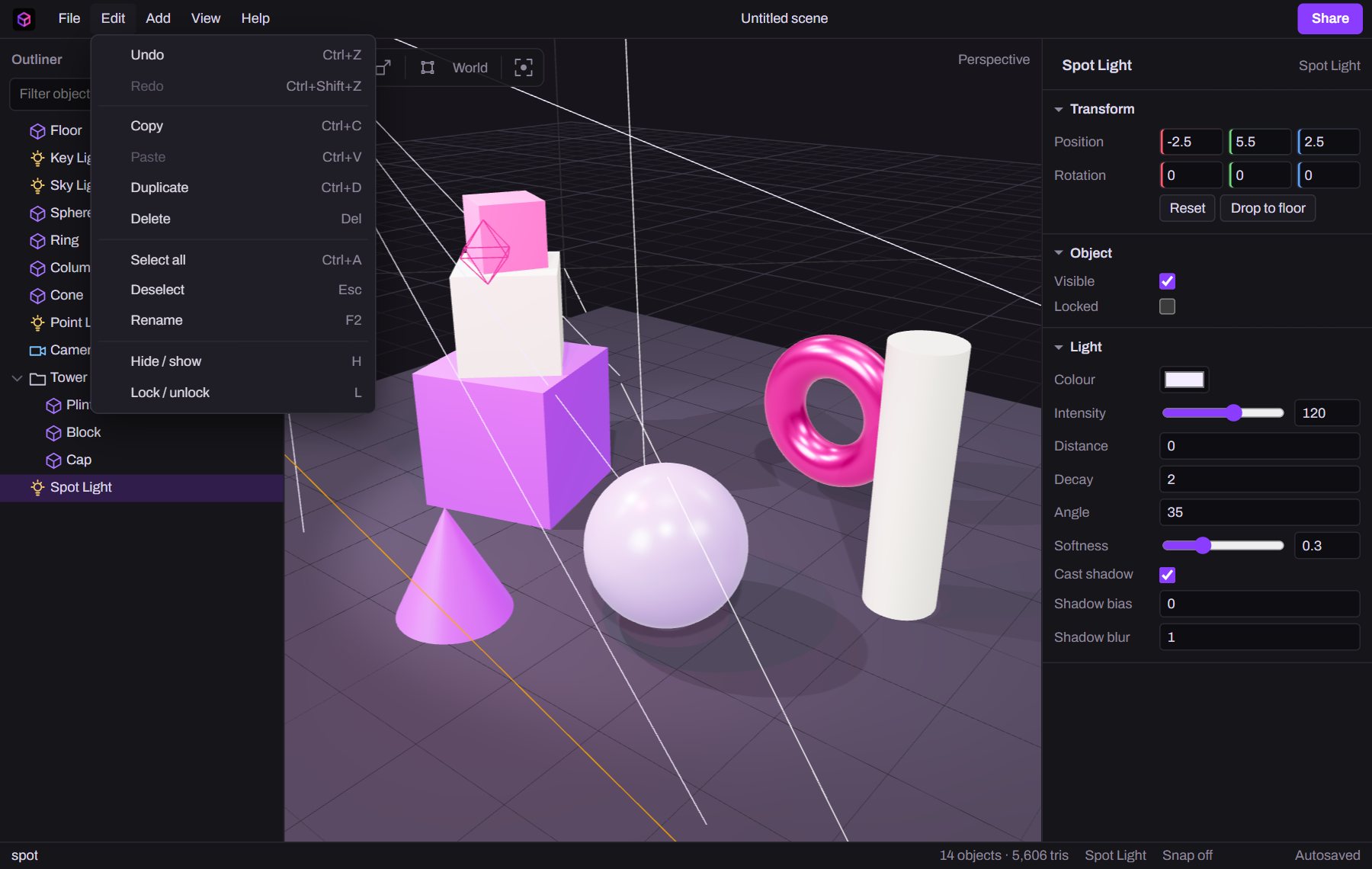
The formats real projects use. Nothing is locked inside DIORAMA.
One binary file holds the meshes, materials and textures. It opens in Blender, Unity, Unreal, Godot, model-viewer and every glTF loader.
File › Export GLB Ctrl EThe scene as three.js saves it, with lights and cameras included. Load it in your own code with one call.
const scene = await new THREE.ObjectLoader()
.loadAsync('/api/scene?id=…&raw=1');Share a scene and paste two lines into any page. Visitors can orbit it, and there's nothing for you to host.
<script type="module" src="…/embed.js"></script>
<diorama-scene src="…/api/scene?id=…"></diorama-scene>These are scenes people saved from the editor and chose to show here. Each one opens in the viewer, and you can open a copy of it in the editor.
Loading shared scenes…